Faceless YouTube Voiceover: How to Narrate Videos Without Recording
Faceless YouTube channels are everywhere. From explainer videos to documentaries and automation-style content, creators are publishing videos without ever appearing on camera.
The common requirement across all of them is narration.
A faceless YouTube voiceover gives structure, pacing, and clarity to visuals — but recording your own voice is often the biggest obstacle.

What is a faceless YouTube voiceover
A faceless YouTube voiceover is narration used in videos where the creator never appears on camera. The visuals carry the story while the voiceover provides context, explanation, or storytelling.
These channels typically rely on:
- B-roll footage or stock clips
- Screen recordings
- Slides, graphics, or animations
- Scripted narration
The voiceover is what turns visuals into a coherent video.
Why faceless YouTube channels rely on voiceovers
Without narration, faceless videos struggle to hold attention. Voiceovers help:
- Guide the viewer through the content
- Explain complex ideas clearly
- Maintain pacing and structure
- Increase watch time and retention
For most creators, narration isn’t optional — it’s foundational.
Why recording your own voice becomes a bottleneck
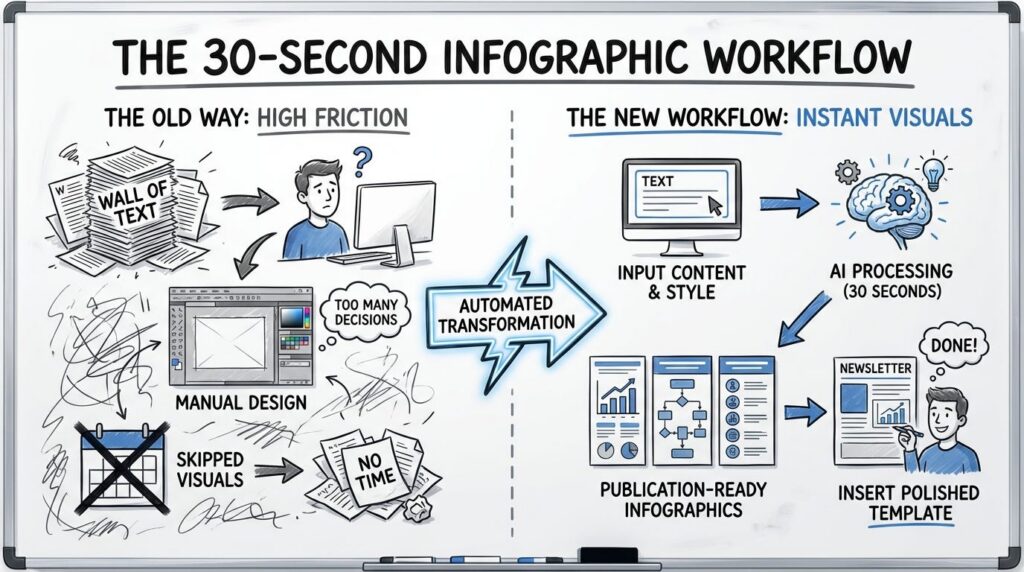
Recording narration sounds simple, but in practice it slows most faceless YouTube workflows down.
- Background noise ruins takes
- Retakes break momentum
- Voice consistency varies day to day
- Editing audio takes longer than editing video
For creators publishing frequently or running automation-style channels, this friction adds up quickly.
Using AI for faceless YouTube voiceovers
AI voice technology removes the recording step entirely. Instead of capturing audio, creators write scripts and generate narration directly from text.
This approach allows:
- Faster video production
- Consistent narration across videos
- No microphone or recording setup
- Easy revisions without re-recording
For faceless channels, this turns narration into a scalable process instead of a creative bottleneck.
What to look for in voiceover software for YouTube
Not all voice tools work well for YouTube narration. When evaluating options, creators should prioritize:
- Natural pacing and tone
- Voices that don’t sound robotic
- Clear pronunciation for long-form narration
- Simple export and reuse
The goal is narration that blends into the video — not something that distracts from it.
How creators automate faceless YouTube narration
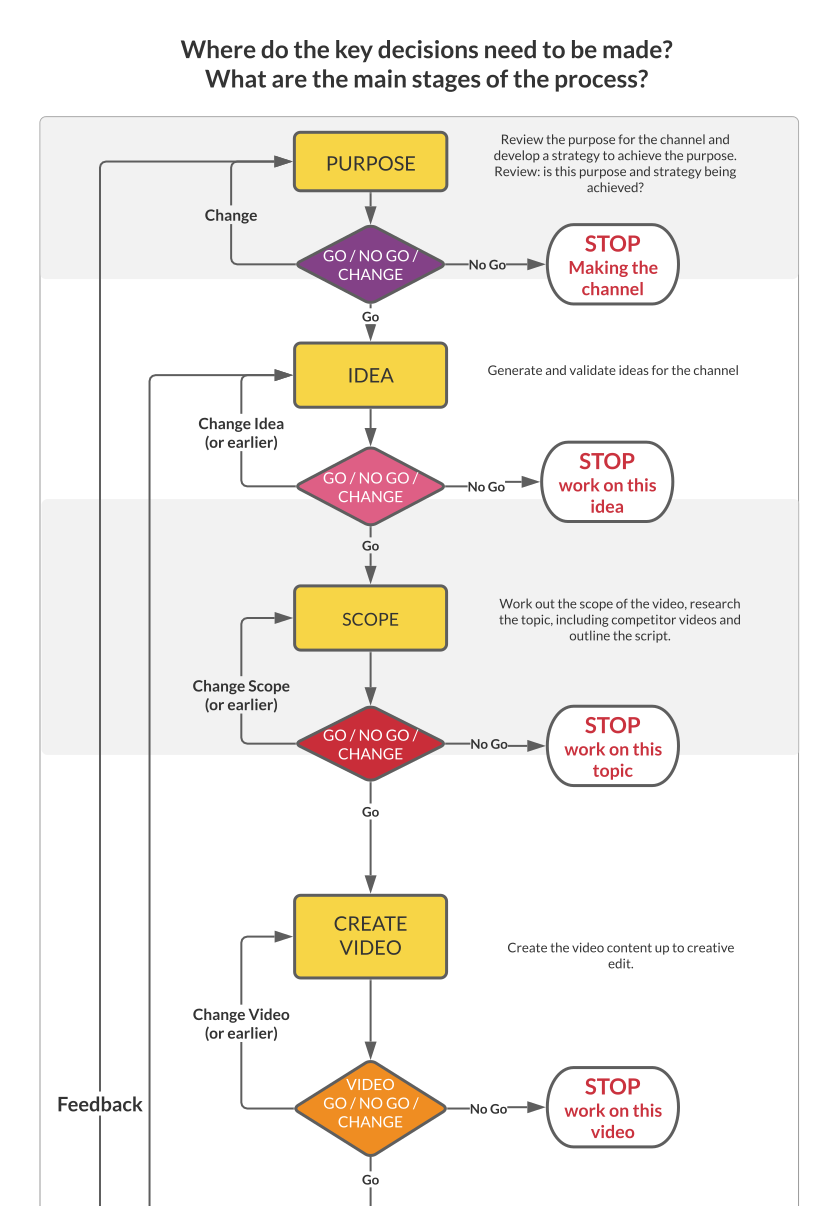
Many faceless channels follow a repeatable workflow:
- Write or generate a script
- Create narration from text
- Match visuals to the audio timeline
- Publish consistently
Automation is what allows these channels to scale without burning out the creator.
A simple way to get started
If you want to see how this workflow works step by step, this page breaks it down clearly:
AI Voiceovers for Videos, Audiobooks, and Creators
It covers who this approach works best for and why many creators are moving away from traditional recording setups.
Final thoughts
A faceless YouTube voiceover doesn’t need to involve microphones, retakes, or audio editing marathons.
For creators focused on consistency and scale, removing the recording step can completely change how fast content gets published.